

AI Workflow Automation
Automate repetitive business tasks such as lead routing, document extraction, CRM updates, and support triage. Softlimes connects AI workflows to the tools your team already uses.
- Lead Triage & CRM Sync
- CV & Invoice Data Extraction
- Grounded Internal Assistants
- Human-in-the-Loop Controls
AI automation is useful when your staff spend hours every week copying information from emails, PDFs, CVs, or web forms into your CRM or back-office system. We do not sell vague AI hype; we automate specific, repetitive data tasks.
We start with one high-volume workflow, connect the APIs between your website and internal tools, enforce strict JSON schema validation on every output, and add human review rules where accuracy is critical.
Every automated run is logged in your admin dashboard so your team can see the exact input document, extracted fields, API response, and status.
If an incoming document or enquiry is incomplete or ambiguous, the workflow flags a person on your team rather than guessing.

What is included in AI Automation
We scope every engagement around concrete deliverables so your team knows what we will build, test, and hand over.
Enquiry triage and CRM routing
Automatically classify incoming web enquiries, extract key details, and create structured records in your CRM.
Document, CV, and invoice extraction
Parse PDFs, CVs, or application forms into structured database fields with human approval steps.
Internal knowledge and support assistants
Build grounded search assistants that help staff find answers strictly from your verified company documentation.
Audit logs and fallback controls
Monitor every automated run, cap API token spend, log errors, and route edge cases to a staff member.
E-commerce catalog and attribute tagging
Clean up messy supplier spreadsheets and standardize product specs and metafields for review before publishing.
Custom webhook and queue pipelines
Run AI tasks asynchronously in Laravel or Node.js queues so your website and portal remain fast.
Built with tools your team can maintain
Structured JSON Extraction, CRM Webhooks, Human Approval Gates & Audit Logs
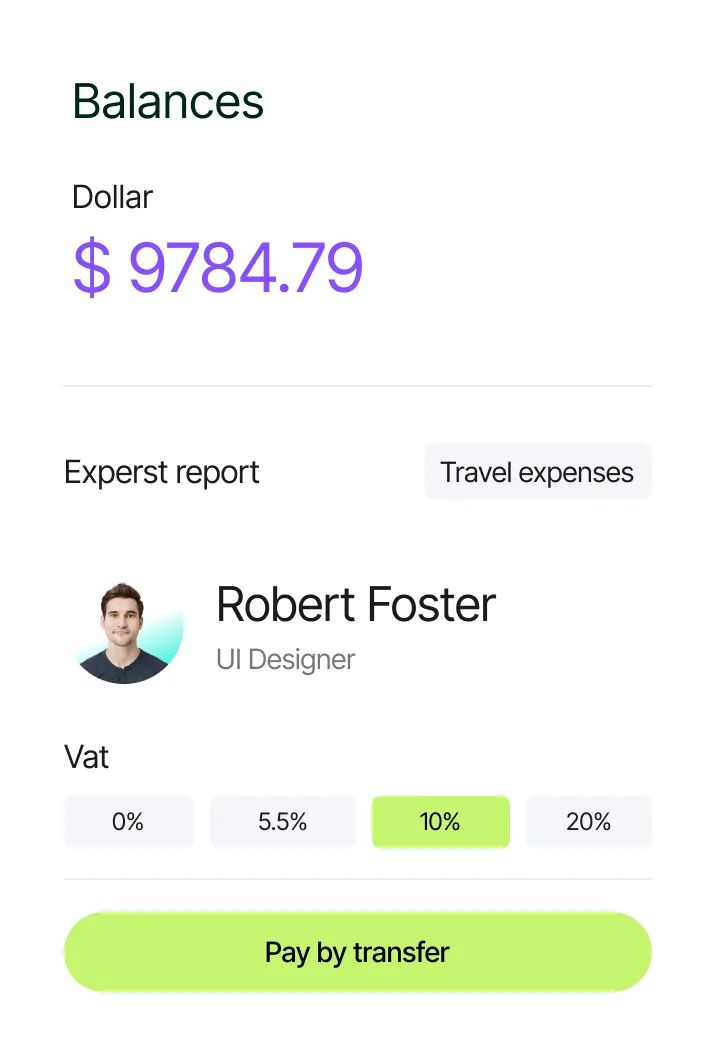
Recent work and tools for AI Automation
Kite Human Capital: Automated Job & Candidate Routing
Automated job board syncing and candidate application routing directly into Bullhorn CRM for a UK recruitment firm.
Browser-Based AI Background & Image Processing Tools
In-house media automation utilities running fast image processing workflows.
How we scope, test, and deploy your AI workflow in 5 steps
We benchmark every automation against a real sample of your documents or enquiries before connecting it to your live CRM.
Step 1
Discovery & strategyAudit manual tasks, data sources, and error risks
We watch how your staff currently process emails, forms, or documents, calculate the volume, and define what must always require human approval.
- Workflow map showing manual vs automated steps
- Input/output JSON schema specification
- Safety, privacy, and human-approval boundary rules
Step 2
Design & prototypingPrototype extraction prompts and review screens
We test the extraction or classification logic against 30 to 50 real historical examples and design the staff approval view.
- Accuracy benchmark on real sample records
- Staff review and override interface wireframe
- CRM webhook and database field mapping
Step 3
Build & developBuild queued API pipelines, schema validators, and logs
Our engineers build the background queue workers, strict schema validation, retry logic, and cost caps inside your application.
- Queued API integration with schema validation
- Admin audit log showing inputs, outputs, and status
- Fallback alerts for low-confidence or malformed inputs
Step 4
Test & QARun shadow-mode testing alongside your staff
Before allowing automatic writes to your live CRM, we run the pipeline in shadow mode on staging so your team can verify every output.
- Shadow-mode accuracy and edge-case test log
- Rate-limit, timeout, and API budget cap verification
- Staff sign-off on review and approval controls
Step 5
Launch & supportGo live with monitoring, cost caps, and audit trails
We enable the production workflow, train your staff on the review queue, and monitor extraction accuracy and API costs.
- Live production workflow with daily error/cost alerts
- Staff operating guide and override documentation
- Ongoing prompt, schema, and API maintenance
Commonly asked questions about AI Automation
Direct answers on scope, timelines, code ownership, and how our team delivers ai automation.