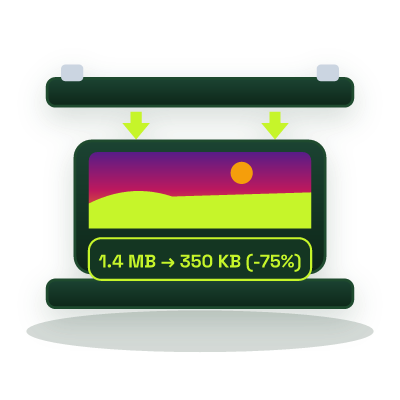
Compress Image to 20KB Online - Exact Size Reducer for Signatures & Exam Portals
Shrink signature scans, passport photos, and ID images to strictly under 20 KB (20,480 bytes) directly in your browser, engineered for government recruitment portals, university admissions, and banking KYC uploads.
This tool processes your input on your device.
Image studio
Loading tool…
How to use it
Follow these steps in the workspace above.
- Drop your signature scan or passport photo into the highlighted upload box (the target is pre-set to 20 KB).
- Let the browser binary-search encoder find the highest visual quality that fits strictly under 20,480 bytes.
- Verify the final byte count (e.g., 18.4 KB) and download your compliant JPG file.
How it works
Civil service and recruitment portals (including FPSC, PPSC, NTS, SSC, IBPS, and UPSC) frequently enforce a strict 10 KB to 20 KB upload limit for scanned signatures, thumb impressions, and passport photographs. Standard image editors rarely let you target an exact byte ceiling, leaving you guessing with quality sliders. Our Compress Image to 20KB utility runs an automated multi-pass binary search over JPEG/WebP quantization levels, and gently steps down excess megapixel dimensions only when mathematically required, to land between 15 KB and 19.9 KB.
Tips for Crisp 20KB Signatures & Passport Photos
- Crop Tightly First: Before compressing a scanned signature on a full A4 sheet, crop tightly around the ink strokes with our Image Cropper so every byte of your 20 KB budget goes toward the signature itself.
- Use High-Contrast White Paper: Sign with black or dark blue ink on plain white paper in daylight to avoid gray shadow noise that consumes JPEG entropy bits.
- 100% Local Privacy: Your signature and identity photos never leave your device.
Need a slightly higher ceiling for your main photograph? Switch to Compress Image to 50KB or Compress Image to 100KB.