Free Website SEO & Security Audit
Enter a public URL to check what the server returns. The report shows the page title, headings, preferred URL, indexing directives, social tags, HTTPS certificate, and security headers.
Uses server processing
This tool sends your input to our server to process it.
Website planning
Loading tool…
Server-assisted processingTry another tool
Instructions
How to use it
Follow these steps in the workspace above.
- Enter the live website URL you want to audit into the analyzer.
- Click Run Audit to inspect the page’s HTML head, semantic structure, TLS handshake, and HTTP response headers.
- Review the prioritized checklist of passed checks and actionable fixes.
Guide
How it works
Use the report after launching a page or moving it to a new host. Check that the page points to the URL you want indexed, serves a valid certificate, and returns the security headers you configured.
What This Technical Audit Inspects
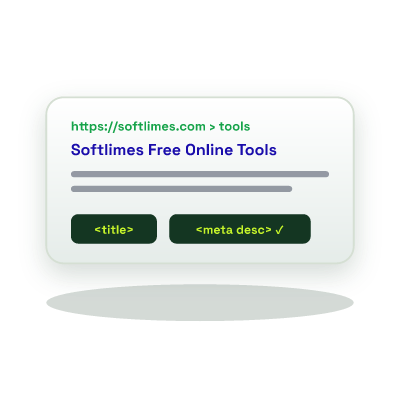
- Search metadata Checks title length, meta description presence, canonical URL consistency, and indexing directives. Fix issues immediately with our SEO Meta Tag Generator.
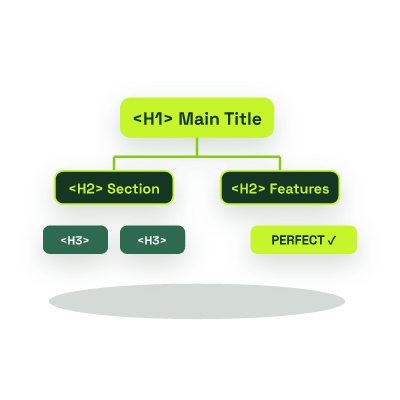
- Semantic Document Outline: Evaluates H1-H6 hierarchy and flags missing or duplicated H1 headings (or dive deeper with our HTML Heading Checker).
- Social Graph & Structured Data: Checks Open Graph (og:title, og:image) and JSON-LD schema presence.
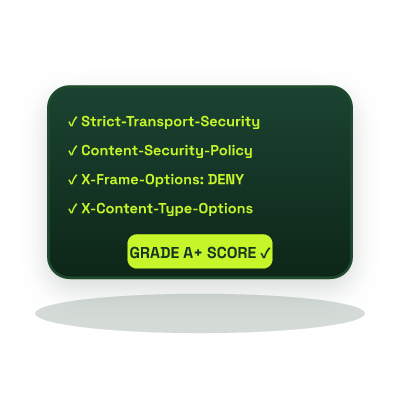
- TLS & HTTP Header Posture: Verifies HTTPS encryption, SSL expiration, HSTS, CSP, and framing protection.
It can. The tool requests the URL you submit, so your server may log the request.
It shows indexing directives returned by the page. Check URL Inspection in Google Search Console to see whether Google has indexed the URL.
Send us the URL and the finding through the contact page. We can help trace the problem and scope a fix.