

UI/UX and Website Design
Design clear website layouts, e-commerce storefronts, and web app interfaces around what your users need to do. Softlimes delivers Figma wireframes, interactive prototypes, and developer-ready design systems.
- Task-First User Flows
- Clickable Figma Prototypes
- Mobile & Desktop Grids
- Developer-Ready Handoff
Good UI/UX design removes confusion. When a customer lands on your website or opens your web app, they should know right away where to click, how to compare options, and how to complete their request.
We design in Figma around real user tasks and real copy rather than decorative animations that slow down pages. For service websites, that means clear hierarchy, scannable proof, and low-friction enquiry forms.
For e-commerce stores and Laravel web applications, we map collection filters, multi-step onboarding forms, role dashboards, and mobile navigation so users never get lost.
Because our designers work directly alongside our WordPress, Shopify, Laravel, and React developers, every screen we design translates cleanly into fast production code.

What is included in UI/UX Design
We scope every engagement around concrete deliverables so your team knows what we will build, test, and hand over.
Website and landing page UI design
Structure service pages and landing pages so visitors immediately see what you offer and how to contact you.
E-commerce product and checkout UX
Design collection filters, product pages, and mobile carts that make finding and buying items straightforward.
Web and mobile app interface design
Map multi-step forms, dashboards, data tables, and role views in Figma before engineering starts.
Reusable component systems
Create consistent typography, color tokens, spacing, and UI components that translate cleanly into code.
UX audits for existing websites
Spot where visitors get stuck in your navigation, product filters, or enquiry forms and redesign those screens.
Interactive stakeholder prototypes
Share clickable desktop and mobile Figma links so your team can test user flows before development begins.
Built with tools your team can maintain
Figma Wireframes, Interactive Prototypes & Design Systems
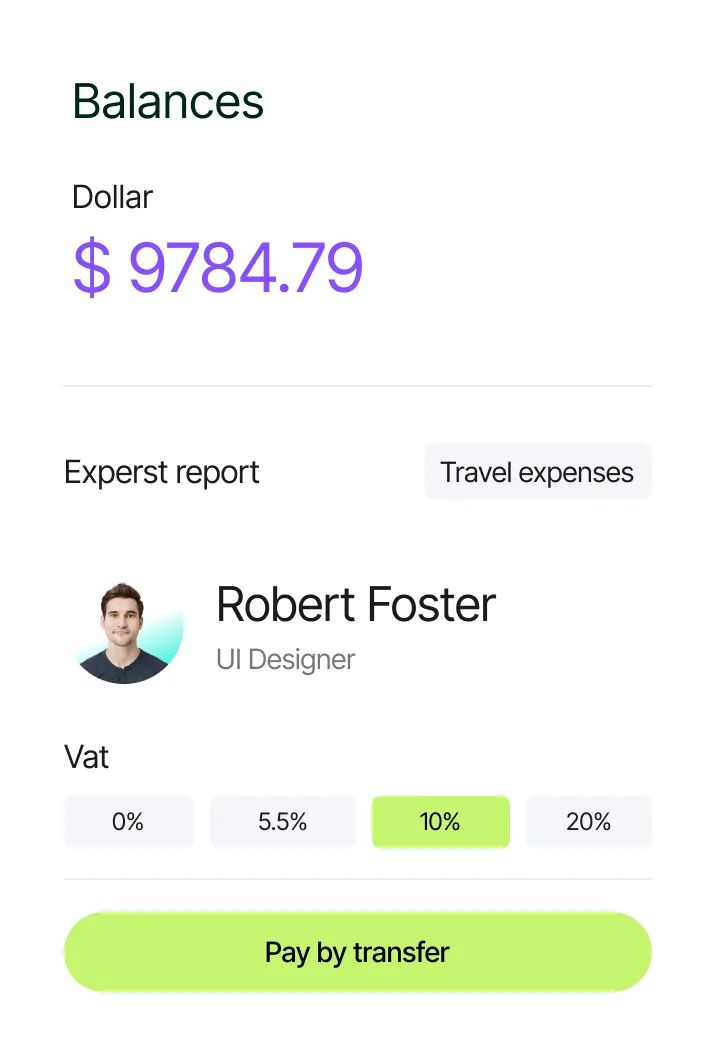
Recent work and tools for UI/UX Design
MarvelX: Category & Vehicle Fitment Storefront UX
Designed an intuitive vehicle-part browsing and mobile checkout flow for an automotive parts retailer.
Mainframe Engineering: Multi-Role Placement Portal UI
Clean dashboard layouts for schools, employers, and administrators managing student work placements.
How we design your website or application interface in 5 steps
We move from plain wireframes to full visual design so structure and copy are locked before we spend time on visual polish.
Step 1
Discovery & strategyAudit user tasks, page goals, and navigation structure
We review who visits your site or uses your app, what questions they need answered on each screen, and where your current layout causes drop-offs.
- User journey map and page hierarchy
- Information architecture and navigation tree
- Content and CTA priority list per template
Step 2
Design & prototypingBuild low-fidelity wireframes and user flows in Figma
We lay out the structure, headings, form fields, and filter placement in clean wireframes so your team can approve the page flow quickly.
- Desktop and mobile wireframes for every core screen
- Multi-step form, checkout, or portal flow map
- Early copy and section layout sign-off
Step 3
Build & developApply visual design, typography, and component tokens
We turn approved wireframes into full-color Figma designs with reusable buttons, cards, badges, tables, and responsive mobile breakpoints.
- High-fidelity desktop and mobile Figma screens
- Reusable Figma component library and style tokens
- Hover, active, error, and empty-state designs
Step 4
Test & QAWalk through clickable prototypes and accessibility checks
We link the screens into an interactive Figma prototype, test tap targets and color contrast, and refine layouts with your feedback.
- Clickable desktop and mobile Figma prototype
- Contrast, readability, and mobile tap-target check
- engineering feasibility review with our developers
Step 5
Launch & supportHand off organized Figma specs or build in-house
We hand over organized Figma files with spacing, CSS variables, and SVG assets, or pass the designs straight to our development team to code.
- Production-ready Figma file with organized layers
- Exported SVG icons and optimized visual assets
- Visual QA review during frontend code implementation
Commonly asked questions about UI/UX Design
Direct answers on scope, timelines, code ownership, and how our team delivers ui/ux design.