PDF to Word Converter Online - Extract PDF Text & Layouts to Editable DOCX
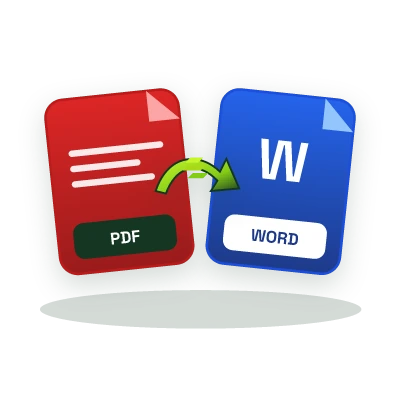
Convert read-only PDF files into clean, editable Microsoft Word (.docx) documents, recover paragraphs, headings, and structured text from contracts, resumes, and reports in seconds.
This tool sends your input to our server to process it.
Documents
Loading tool…
How to use it
Follow these steps in the workspace above.
- Select or drag your .pdf document into the highlighted file dropzone.
- Click Convert to Word to parse the PDF text streams and structural blocks.
- Preview the extracted document content and download your editable .docx file.
How it works
PDF (ISO 32000) was engineered as a fixed-layout page description language, similar to digital paper, where characters are positioned by X/Y coordinates rather than flowing paragraphs. When you need to update a resume, redline a commercial agreement, or repurpose a research paper without the original source file, our Online PDF to Word Converter reconstructs text streams and reading order into a standard Office Open XML (.docx) document compatible with Microsoft Word, Google Docs, and Apple Pages.
Best Practices for Clean PDF to DOCX Extraction
- Digital-Native PDFs Convert Best: PDFs exported directly from Word, InDesign, LaTeX, or Google Docs contain selectable Unicode text streams that map cleanly into editable DOCX paragraphs.
- No Watermarks or Email Gate: Download your converted Word document immediately without handing over an email address or dealing with trial watermarks.
- Zero Persistent File Storage: Uploaded PDF streams are processed ephemerally in memory and never indexed or stored permanently.