PNG to JPG Converter Online - Free Lossless & Custom Quality Export
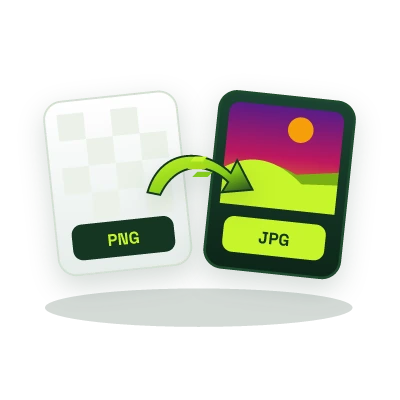
Convert PNG images to lightweight JPG/JPEG files directly in your browser, flatten transparent backgrounds cleanly, adjust JPEG encoder quality (10%-100%), and reduce file weight by 60%-85% with zero server uploads.
This tool processes your input on your device.
Image studio
Loading tool…
How to use it
Follow these steps in the workspace above.
- Drop or select your PNG file inside the highlighted browser upload zone.
- Adjust the JPEG quality slider (80%-85% delivers visually lossless compression for photographs and UI graphics) and choose a background fill color for transparent areas.
- Inspect the live file-size savings and download your optimized .jpg image immediately.
How it works
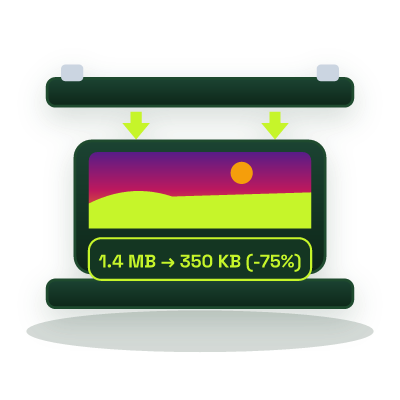
PNG uses lossless DEFLATE compression with an optional 8-bit alpha channel, which makes screenshots and photographic PNGs significantly heavier than necessary. Converting PNG to JPG (JPEG) switches to discrete cosine transform (DCT) chroma-subsampled encoding, cutting typical multi-megabyte PNG photos down by 65% to 85% while maintaining crisp visual fidelity across web browsers, email clients, and e-commerce marketplaces.
How Browser-Native PNG to JPEG Conversion Works
Unlike cloud converters that queue your images on remote servers, this tool decodes your PNG bitmap directly inside an HTML5 CanvasRenderingContext2D buffer on your device. Because the JPEG specification (ITU-T T.81) does not support alpha transparency, our renderer composites semi-transparent and transparent pixels against a solid matte fill (white by default) before invoking the browser hardware-accelerated image/jpeg encoder.
- Alpha Channel Flattening: Prevents black or jagged halo artifacts around anti-aliased edges when converting transparent PNG logos or product cutouts to JPEG.
- Tunable Quantization Quality: Set quality between 80% and 90% for hero banners and portfolio photography, or 60% to 75% when meeting strict government portal or CMS upload caps.
- Automatic EXIF & Metadata Sanitization: Rendering through the canvas buffer strips embedded camera serial numbers and GPS coordinates automatically.
When to Convert PNG to JPG vs. WebP
Use JPG whenever universal compatibility is mandatory, such as Amazon, Shopify, NADRA/HEC portals, legacy ERP systems, or Open Graph social preview images that reject newer formats. If you are optimizing assets strictly for modern web pages and want both transparency and smaller payloads, use our JPG & PNG to WebP Converter, or shrink existing JPEGs to exact kilobyte targets with the Online Image Compressor.