

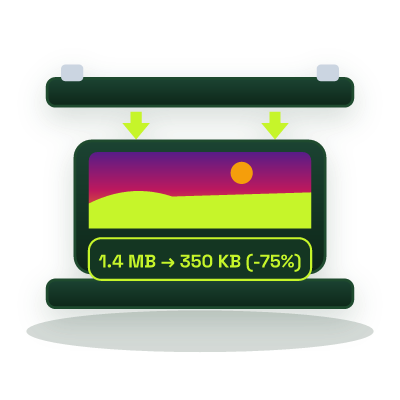
Compress Image to 100KB Online - High-Clarity Photo & Document Compression
Reduce JPG, PNG, and WebP images to strictly under 100 KB in your browser, the ideal balance for international visa portals, scanned mark sheets, and high-speed mobile web assets.
This tool processes your input on your device.
Image studio
Loading tool…
How to use it
Follow these steps in the workspace above.
- Drop your image into the highlighted upload field (target ceiling pre-set to 100 KB).
- Review the side-by-side quality and exact byte count below 100 KB.
- Download your optimized JPG or WebP file.
How it works
Many international e-Visa systems, professional licensing boards, and scholarship portals require uploaded photographs and single-page ID documents to stay under 100 KB. Simultaneously, web performance engineers enforce a 100 KB budget for above-the-fold product cards and article thumbnails to keep Largest Contentful Paint (LCP) under 2.5 seconds on 4G connections. Our Compress Image to 100KB tool hits that exact ceiling locally in your browser.
When to Use the 100KB Target
- Immigration & e-Visa Portals: High-resolution biometric photos (600×600 px) that require sharp eye and facial detail under 100 KB.
- E-Commerce Category Grids: Compressing 20 product cards per page to under 100 KB each keeps total page image weight under 2 MB.
- Scanned Certificates & CNICs: Preserves crisp legibility on small printed serial numbers and dates.
Explore adjacent size targets: 50KB Compressor, 200KB Compressor, and 500KB Compressor.