Compress Image to 500KB Online - High-Resolution Hero & Document Compression
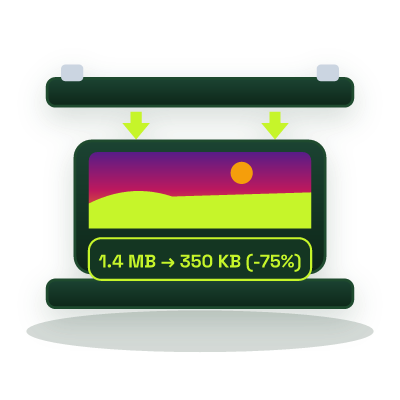
Reduce 5 MB-15 MB camera photos and high-DPI scans to strictly under 500 KB directly in your browser, preserve studio-grade dynamic range and fine detail while cutting 90% of file weight.
Runs in your browser
This tool processes your input on your device.
Image studio
Loading tool…
Processed in your browserTry another tool
Instructions
How to use it
Follow these steps in the workspace above.
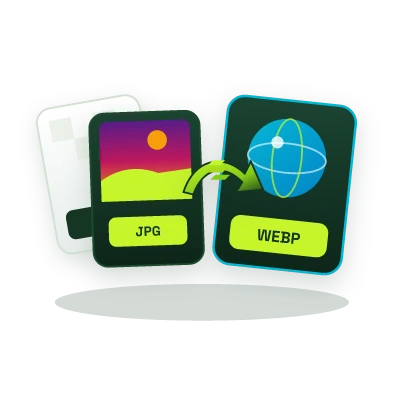
- Drop your high-resolution JPG, PNG, or WebP file into the highlighted upload zone (set to 500 KB).
- Inspect the live preview and verify the compressed size is under 500 KB.
- Download your studio-sharp image locally.
Guide
How it works
When uploading full-page property deeds, medical reports, architectural renders, or 1920×1080 hero photography to web CMS platforms and corporate portals, a 500 KB maximum limit is frequently enforced. Our Compress Image to 500KB tool takes raw 8 MB-20 MB camera JPEGs or heavy PNG exports and compresses them below 500 KB in your browser without introducing color banding in skies or gradients.
Related Compression Targets
- For tighter portal requirements: Compress Image to 100KB or Compress Image to 200KB.
- For uncompressed 4K photography: Compress Image to 1MB.
Yes. Switching a retina PNG screenshot to high-quality JPG or WebP inside this tool typically reduces a 10 MB file to 250-450 KB with zero perceptible loss in UI sharpness.
No, because processing happens locally in your browser, you don’t even have to wait for a 10 MB file to upload over your internet connection.