Image to Base64 Converter - Generate HTML Data URIs & CSS Background Strings
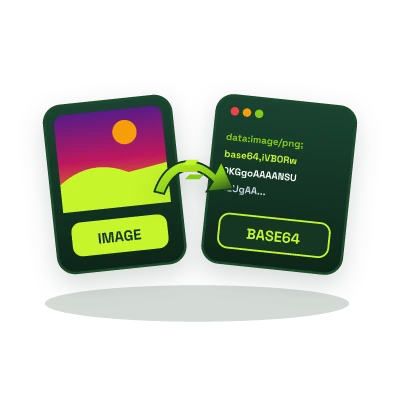
Encode PNG, JPG, WebP, GIF, and SVG images into RFC 2397 Base64 Data URIs directly in your browser, eliminate extra HTTP requests for critical icons, email signatures, and single-file HTML templates.
This tool processes your input on your device.
Image studio
Loading tool…
How to use it
Follow these steps in the workspace above.
- Drop any image file into the highlighted browser upload box.
- Inspect the generated Data URI, HTML image snippet, or CSS background-image property.
- Click Copy to grab the exact snippet for your stylesheet, JSON payload, or HTML email.
How it works
Every external image reference in an HTML document triggers a separate HTTP/TLS round-trip. For small UI icons, above-the-fold logos, offline single-file HTML reports, and HTML email signatures, encoding the binary image into a Base64 Data URI embeds the graphic directly inside your HTML, CSS, or JSON payload, rendering in zero extra network requests.
When to Inline Base64 Images vs. External Files
- Best for Assets Under 4 KB-10 KB: UI sprites, custom cursor icons, loading spinners, and inline SVG/PNG badges where HTTP connection overhead outweighs the ~33% Base64 size increase.
- Avoid for Large Hero Photos: Because Base64 encoding converts every 3 binary bytes into 4 ASCII characters (+33% payload overhead) and blocks independent browser image caching, large photographs should be served as compressed files using our JPG & PNG to WebP Converter.
Need to decode or encode raw text and API tokens instead of images? Use our Base64 Text Encoder & Decoder.