Base64 Encode & Decode Online - UTF-8 Safe RFC 4648 Converter
Encode UTF-8 text into RFC 4648 Base64 strings or decode Base64 payloads back to human-readable text locally in your browser, built for debugging HTTP headers, configuration strings, and API payloads.
This tool processes your input on your device.
Developer tools
Loading tool…
How to use it
Follow these steps in the workspace above.
- Choose Encode (Text to Base64) or Decode (Base64 to Text) in the workspace.
- Paste your string, JSON snippet, or encoded text into the input editor.
- Copy the converted output with one click, full multi-byte UTF-8 characters and emojis are preserved without corruption.
How it works
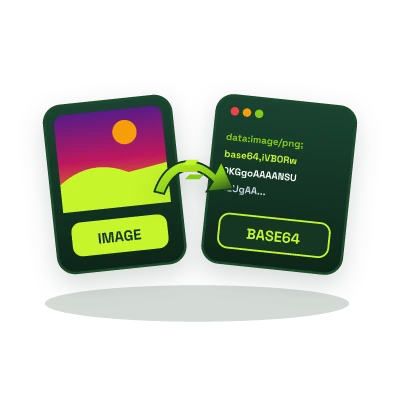
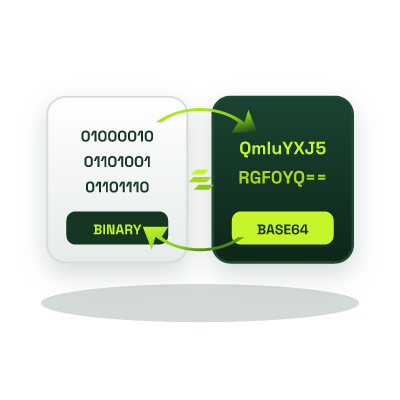
Base64 encoding (RFC 4648) translates arbitrary 8-bit binary streams into a safe 64-character ASCII alphabet (A-Z, a-z, 0-9, +, /, and = padding) so data can travel through text-only protocols like HTTP headers, email MIME bodies, XML, and JSON without control-character corruption.
Why Standard JavaScript btoa() Fails on UTF-8 (And How We Fix It)
Browser-native btoa() throws an InvalidCharacterError whenever a string contains characters outside the Latin1 (ISO-8859-1) range, such as Urdu, Arabic, smart quotes, currency symbols, or emojis. Our tool encodes and decodes via a full TextEncoder / Uint8Array UTF-8 byte pipeline so international text round-trips with 100% byte accuracy.
- HTTP Header & Payload Debugging: Inspect Base64-encoded headers, webhook payloads, and MIME strings cleanly.
- Cloud & App Configs: Quickly encode or inspect Base64 configuration values locally in your browser.
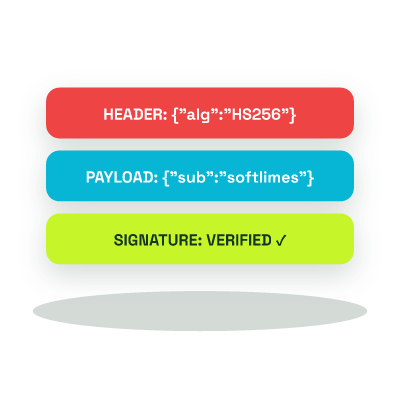
- Encoding vs. Hashing: Base64 is a reversible encoding scheme. Use our SHA-256/512 Hash Generator or JWT Decoder when inspecting cryptographic digests and tokens.