WebP to JPG & PNG Converter Online - Instant Legacy Format Compatibility
Convert downloaded .webp images back into universal JPG or transparent PNG files locally in your browser, solve upload rejections on government portals, older CMS platforms, and print workflows in one click.
This tool processes your input on your device.
Image studio
Loading tool…
How to use it
Follow these steps in the workspace above.
- Upload or drag your .webp file into the highlighted file input area.
- Choose JPG (for compact photos) or PNG (to preserve transparent backgrounds) and set your quality preference.
- Download your converted .jpg or .png file immediately.
How it works
While modern websites serve images in Google WebP format to save bandwidth, saving an image from a web page often leaves you with a .webp file that legacy desktop software, government job portals, older CMS plugins, or print-on-demand platforms refuse to accept. Our WebP to JPG & PNG Converter decodes the VP8/VP8L bitstream directly in your browser and outputs standard baseline JPEG or lossless PNG files.
Choosing Between JPG and PNG Output
- Choose JPG Output: Best for photographs, blog thumbnails, and portal uploads where compact kilobyte size matters and transparency is not needed.
- Choose PNG Output: Best for logos, icons, UI mockups, and stickers where the original WebP file has a transparent background that you want to preserve pixel-for-pixel.
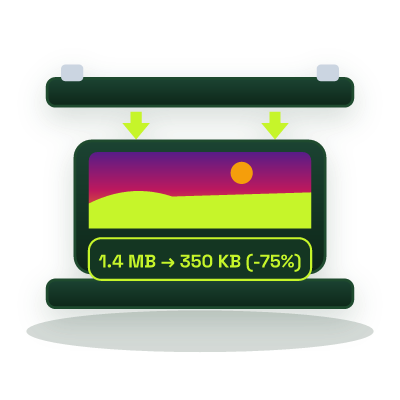
If your converted JPG also needs to meet a strict portal upload limit (such as 20 KB or 50 KB), pass it straight into our Compress Image to 50KB tool.