UTM Campaign URL Builder
Paste a destination URL and add a source, medium, and campaign name. Copy the tagged URL or create a QR code to track visits from ads, newsletters, and social posts in Google Analytics 4.
This tool processes your input on your device.
Website essentials
Loading tool…
How to use it
Follow these steps in the workspace above.
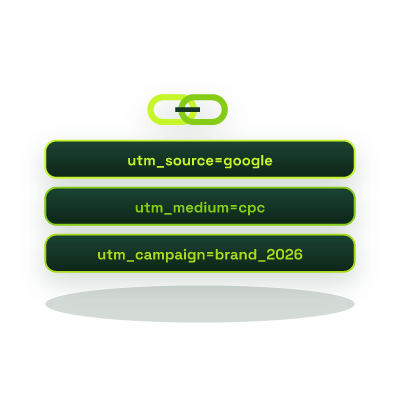
- Enter your destination landing page URL along with Campaign Source (`utm_source`), Medium (`utm_medium`), and Name (`utm_campaign`).
- Optionally add `utm_term` (paid keyword) and `utm_content` (A/B creative variant).
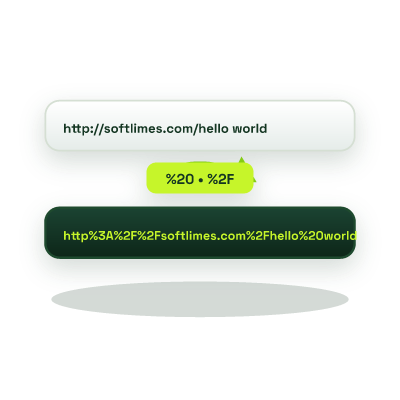
- Copy the automatically percent-encoded tracking URL, or turn it directly into a printable QR code.
How it works
When visitors click links from newsletters, WhatsApp broadcasts, LinkedIn posts, PDF brochures, or paid ads without Urchin Tracking Module (UTM) parameters, analytics platforms often misclassify that traffic as generic Direct / (none) or Unassigned. Our UTM Campaign Link Builder constructs standardized, lowercase, RFC 3986 percent-encoded tracking URLs mapped to Google Analytics 4 (GA4) Default Channel Groupings.
The 5 Standard UTM Parameters & GA4 Naming Rules
- utm_source (Required): Identifies the specific platform sending traffic, e.g.,
google,linkedin,newsletter,whatsapp. - utm_medium (Required): Identifies the marketing channel type, use standard GA4 values like
cpc,paid_social,organic_social,email, orreferralso GA4 categorizes channels automatically. - utm_campaign (Required): The specific promotion or launch identifier, e.g.,
ramadan_sale_2026orq2_product_launch. - utm_term & utm_content (Optional): Track paid search keywords and differentiate two CTAs or banner creatives within the same ad set.
Sharing your campaign link on print flyers, packaging, or event booths? Convert your UTM link into a vector graphic with our QR Code Generator.